
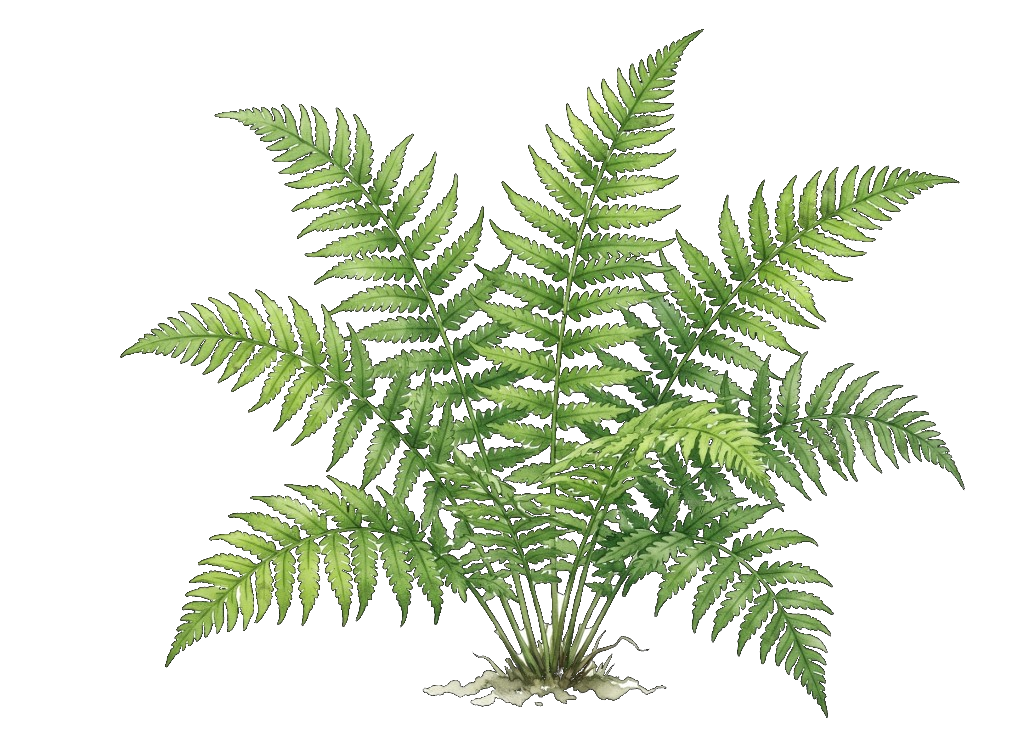

How it works
Garden Pal on the web uses the same three paths as the iPhone app: look up a plant, or analyse an indoor or outdoor space.
- 01
Choose a starting point
Search a plant you already like, or start an indoor or outdoor garden project in the browser.
- 02
Describe your space
Add a location and growing conditions such as light, soil, and moisture. Skip this if you only want to look up a plant.
- 03
Get matched plants
See which plants will thrive, save favourites, and keep editing conditions as your garden changes.
Smart features for smart gardening
Garden Pal helps you create the perfect garden with intelligent, data-driven recommendations — on the web and on iPhone.

Find a Plant
Search for a specific plant and instantly check if it will thrive in your space based on real conditions.
Location-Aware Recommendations
Get personalised suggestions based on your garden’s location and growing zone.

Climate & Sunlight Insights
We use global and national climate and solar data to estimate how much sun your garden gets and its hardiness zone.
Garden & Indoor Analysis
Evaluate soil type, moisture, and light — indoors or outdoors — for accurate plant matches.

Manual Garden Editing
Fine-tune your project by adjusting garden details like light, soil, and moisture manually.